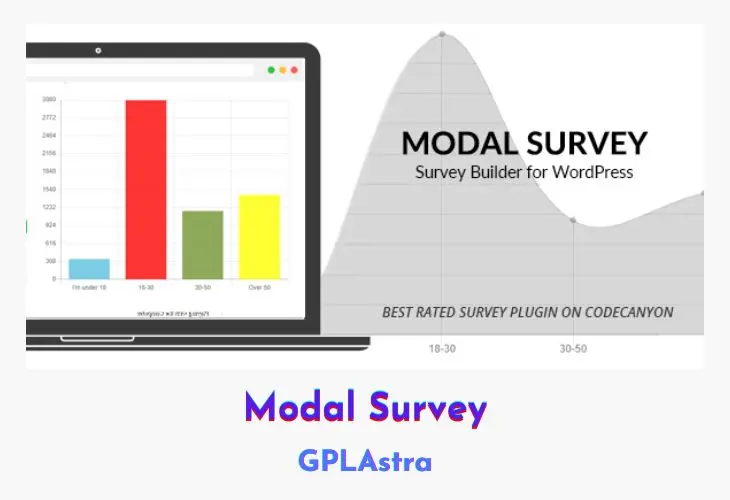
The Modal Survey WordPress Plugin is a powerful tool that enables website owners to gather valuable feedback and insights from their visitors through engaging and customizable surveys. With its attention-grabbing modal style or embedded display options, this plugin ensures that your surveys are highly visible and accessible to your audience. Whether you’re seeking to gauge customer satisfaction, gather feedback on your products or services, or conduct market research, Modal Survey provides a user-friendly interface for creating unlimited surveys with an unlimited number of questions and answer choices.
One of the standout features of this plugin is its ability to present survey results in a visually appealing and informative manner, utilizing stunning progress bars, beautiful pie charts, or simple text formats. This versatility ensures that you can effectively communicate and analyze your survey data in a way that resonates with your specific needs and audience. Modal Survey not only empowers you to gather valuable insights but also helps you improve your website’s content and overall user experience based on the feedback received.
Core Features of Modal Survey WP Plugin
- Unlimited surveys, questions, and answer choices
- Visual poll builder for easy survey creation
- Modal (popup) display option for attention-grabbing surveys
- Embed surveys directly into your website content
- Customizable survey styling and branding
- Progress bar display for survey results
- Pie chart visualization for survey results
- Simple text format for survey results
- Customer satisfaction and customer feedback survey capabilities
- Visitor engagement and interaction tracking
- Responsive design for optimal viewing on all devices
- Shortcode support for seamless integration
- Detailed survey analytics and reporting
- Export survey data in various formats (CSV, Excel, etc.)
- Multi-language support
- GDPR and privacy compliance
- Secure data handling and storage
- Regular updates and bug fixes
- Comprehensive documentation and support
What’s New (Changelog) in Modal Survey v2.0.2.3.7
2.0.2.3.7 - Bug Fix Release (2026-11-12)
Bug Fixes:
- Fixed conditions disappearing after saving a survey and reopening it. Saving stored the survey options as valid JSON, but every place that read them back (the survey editor, the front-end survey, the admin/auto-response emails, the REST API and the Participants page) first ran stripslashes() on the stored value. Conditions are stored as JSON strings nested inside the options, so their escaped quotes were removed and the whole options array could no longer be decoded. The editor then showed every survey setting at its default value (no conditions, default styles and texts), the next save permanently overwrote the stored settings with these defaults, and the conditions were not applied on the front end. The same happened to any survey whose texts contained a double quote. Options are now decoded as stored, and stripslashes() is only applied as a fallback for surveys saved by older versions, so existing surveys keep loading.
- Fixed saving a survey producing invalid, unreadable options when a text contained HTML with attributes (e.g. a Thank You message or a condition message with or ). wp_kses_post() was applied to the raw JSON string, which rewrote the escaped attribute quotes and broke the JSON. The options are now decoded first and wp_kses_post() is applied to each text value individually (including each field of every condition), so disallowed HTML such as scripts and event handlers is still removed while the JSON stays valid. Invalid options are now rejected with an error instead of being stored.
- Fixed "&" characters in condition redirect URLs and other plain-text options being saved as "&", which broke redirect URLs with more than one query parameter.
- Fixed saving a survey failing with "error: invalid survey data" (or a new survey being created without its questions) when a question or answer contained a double quote or a backslash. The questions were unslashed twice before decoding. The questions are now also validated before the survey settings are updated, so a rejected save no longer stores the new settings with the old questions.
Similar Plugins